
Our repairservices
Screen, battery, charging, liquid-damage and diagnostic services for everyday technology in Longfield, Kent.
on repairs
turnaround
technicians
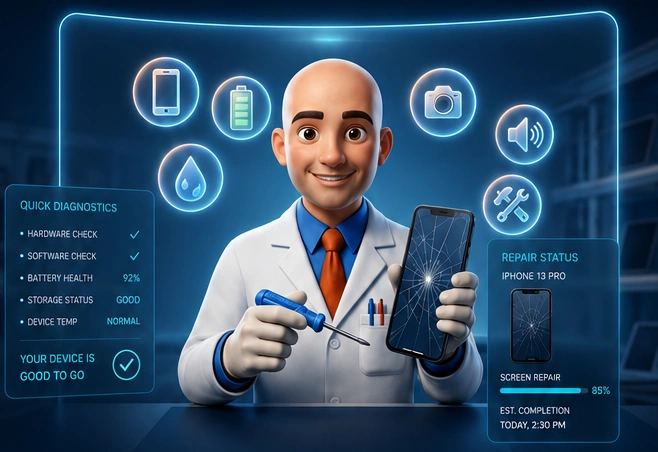

iPhone Repairs
Assessment and repair options for iPhone screens, batteries, charging and other faults.
02
iPad Repairs
iPad glass, touchscreen, display, battery and charging repair enquiries.
03Phone Repairs
We fix cracked screens, battery issues, charging faults and more.
04Tablet Repairs
Expert repairs for all major tablet brands and models.
05
Laptop Repairs
Hardware and software repairs to get your laptop running again.
06
PC Repairs
From slow performance to system failures, we’ve got you covered.
07
Game Console Repairs
Fix overheating, disc drive issues, and other console problems.
08
Screen Replacement
High-quality screens fitted with precision and care.
09
Battery Replacement
Battery replacements to help your device last longer between charges.
10
Charging Port Repair
Port repairs, charging faults and power-delivery diagnosis.
11
Water Damage Repair
Assessment and cleaning for devices affected by liquid.
12
Camera Repair
Help with blurred photos, focus problems and camera faults.
13
Speaker & Microphone Repair
Clearer calls and audio through careful fault diagnosis.
14
Back Glass Replacement
Cracked back glass replaced with care for the surrounding components.
15
Software & Diagnostics
Software fixes, start-up faults and operating-system problems.
16
Data Recovery
Assessment of lost files and inaccessible storage.
Why choose iFIX DA3?

Fast turnaround
Quick repairs so you can get back to what matters.

Warranty included
Eligible repairs include warranty for peace of mind.

Experienced technician
Skilled, trained and dedicated to quality workmanship.

Quality parts
Suitable parts for reliable, lasting repairs.
How it works

Request a quote
Tell us about your device and the issue. We’ll get back to you.

We repair your device
Our expert technicians diagnose and fix your device with precision.

Collect or return delivery
Pick up your device or arrange safe return delivery.

Local to Longfield
Proudly serving Longfield and surrounding areas.
Learn more
Collection available
Ask about collection and return for your device.

Mail-in repairs
Arrange a repair by post from further afield.

Trusted & reliable
Professional service you can depend on.
Need help?
We’re here to help. Get in touch and we’ll take care of the rest.
Contact usCall 07961 628935